REACH ME
(+381 ) 65 - 265 - 8527
HI@DEVMILOSH.COM
MY RESUME

If you build websites for clients, accessibility is no longer optional. It's a procurement requirement, a legal risk factor, and increasingly a dealbreaker for enterprise buyers. Yet most freelancers and small agencies still have no repeatable process for it.
They either skip it entirely, run a quick Lighthouse scan and call it done, or spend hours improvising a workflow from scratch on every project. None of those approaches scale. None of them produce professional deliverables. And none of them protect you when a client asks why their site failed an accessibility review.
This post covers what a proper website compliance checklist actually looks like, what it needs to include, and how to turn it into a repeatable system you can charge for on every project.
Accessibility lawsuits in the United States have been increasing year over year. The European Accessibility Act became enforceable in June 2025. Enterprise procurement teams are adding accessibility requirements to vendor questionnaires. SaaS companies are losing deals because their marketing sites can't pass a basic accessibility review.
This isn't a niche concern anymore. It's a mainstream business problem — and clients are starting to ask about it whether you bring it up or not.
The freelancers and agencies who have a clear, documented process for this work are in a significantly stronger position than those who don't. Not because they've become accessibility specialists, but because they can run a baseline pass, document findings professionally, and deliver a credible report. That alone puts them ahead of most of the competition.
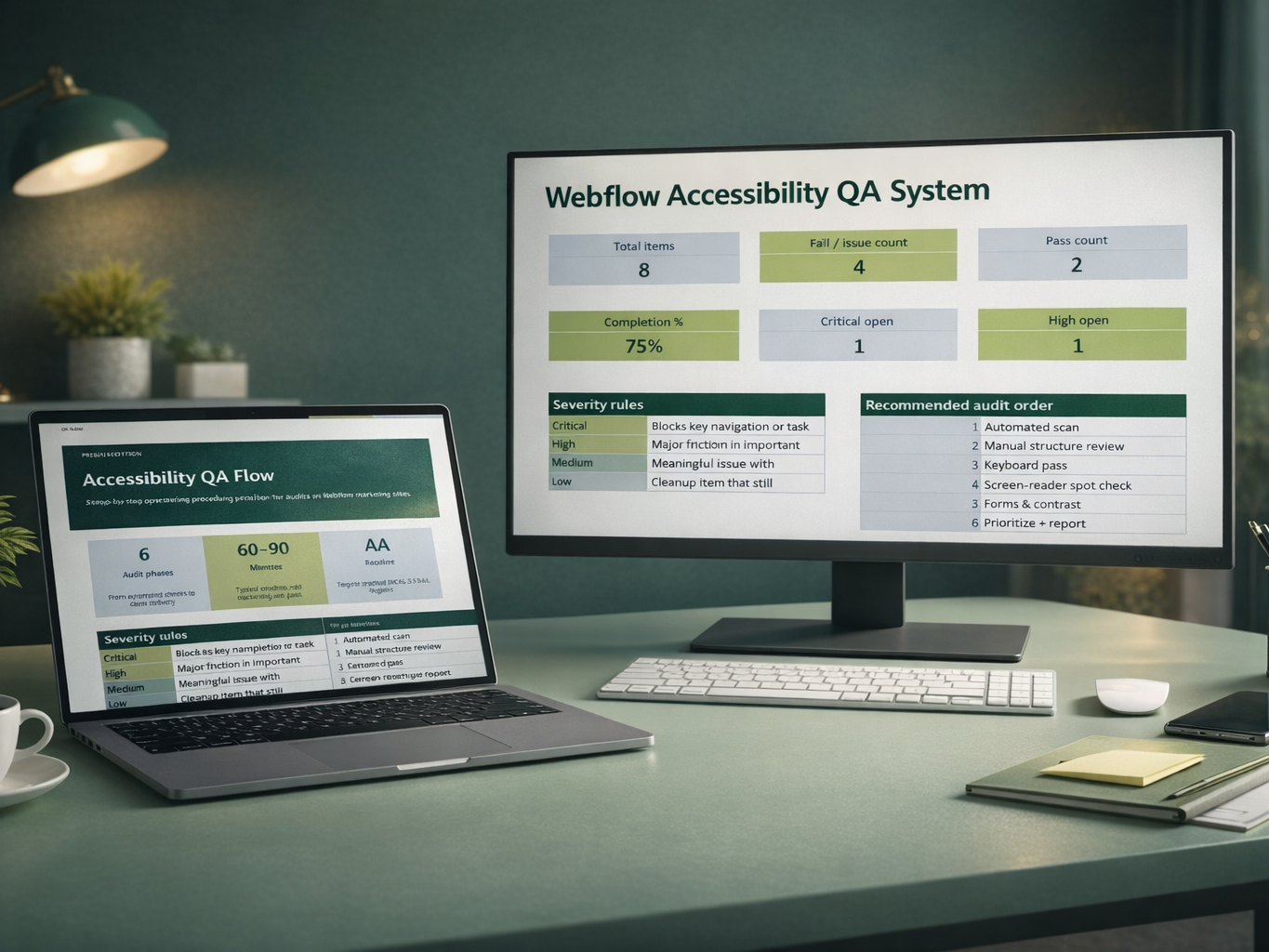
A proper website compliance checklist is not a single document with checkboxes. It's a structured workflow that covers six distinct phases — and skipping any one of them produces incomplete, unprofessional results.
Start with Lighthouse, axe DevTools, or WAVE. These tools catch obvious markup and code issues fast — missing alt text, empty links, duplicate IDs, missing form labels. They're not enough on their own, but they're the fastest way to surface low-hanging fruit before you invest time in manual testing.
Check page titles, heading hierarchy, landmark regions, link text clarity, and image alt text quality. Automated tools miss most of this. A page can pass Lighthouse with a high accessibility score and still have a completely broken heading structure or ambiguous link labels.
Navigate every core user flow without a mouse. Tab through the navigation, the conversion form, the pricing page, the CTA buttons. Note any focus traps, invisible focus states, or interactions that break entirely without a pointer device. This is where most Webflow sites quietly fail.
Run VoiceOver or NVDA on the homepage, navigation, and primary conversion flow. You're checking whether the page tells a coherent story through assistive technology — clear landmark announcements, logical reading order, meaningful link and button names.
Validate every form field has a persistent visible label, not just placeholder text. Check error states, required field indicators, and contrast ratios on real UI — not just body text, but buttons, labels, and UI components on colored surfaces.
Sort findings by severity. Fix quick wins immediately. Document remaining issues with clear severity ratings, page references, and recommended next steps. Package everything into a client-ready report that explains the work done, the risk that remains, and what a logical next phase would look like.
The resources that exist for this kind of work fall into two categories: theory-heavy WCAG documentation that's accurate but nearly impossible to apply directly to a real project, and tool-specific guides that cover one slice of the problem without connecting it to a full workflow.
Neither gives you what you actually need on a client project — which is a clear sequence, practical remediation guidance, and professional deliverables you can send without spending an hour writing from scratch.
That's the gap this system was built to fill.
A proper website compliance checklist system needs more than a list of things to check. It needs a workbook you can actually fill in, a process document you can follow without improvising, fix guidance that tells you what to do when you find an issue, and templates that let you deliver professional output without starting from a blank page every time.
The Website Compliance Checklist covers all of it — nine files across the full audit workflow:
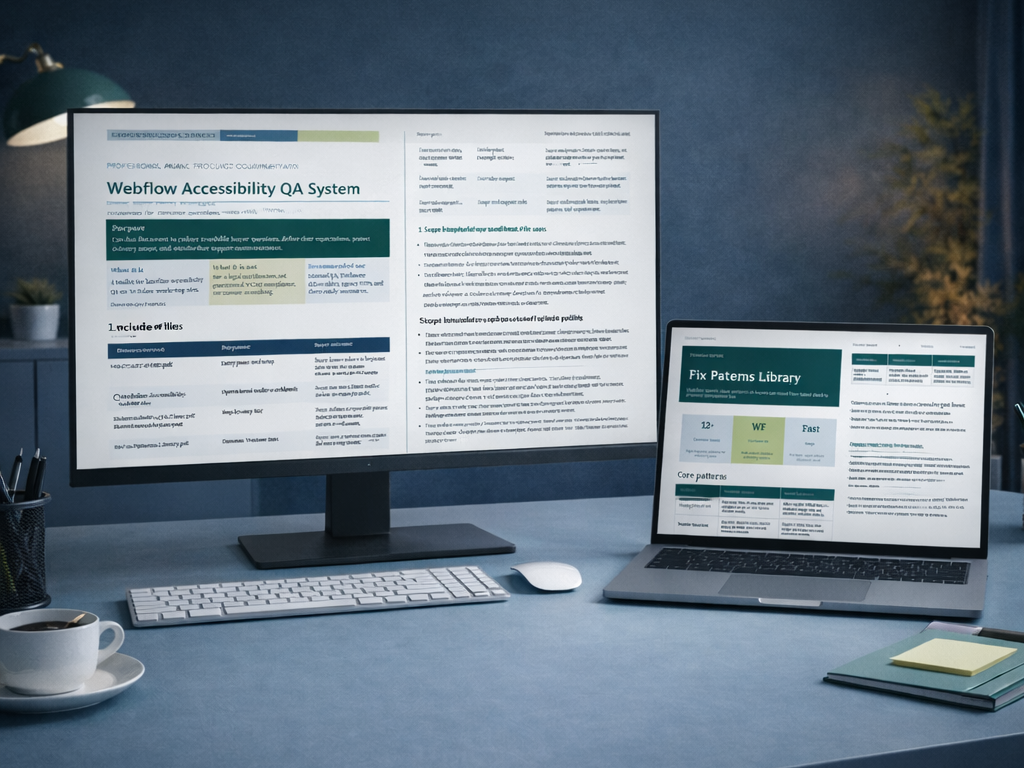
A branded audit workbook with a dashboard, a blank audit sheet, and a completed example. A step-by-step QA flow that tells you what to check, in what order, and how to prioritize findings. A fix pattern library covering the most common accessibility issues on marketing sites. A tools guide covering Lighthouse, axe, WAVE, contrast checks, keyboard testing, and screen-reader spot checks. A client-ready report template designed to look credible without overpromising scope. Email templates for delivery, scope-setting, and follow-on upsell conversations. A finished sample report showing exactly what a real baseline audit output looks like when handed to a client.
This is not legal advice. It is not a certification service. It does not guarantee WCAG 2.1 AA compliance or compliance with any regulation. It is a practical baseline QA toolkit — built to help you work faster, document findings professionally, and add a repeatable service to your offering.
This system is built for freelance web developers who need a repeatable QA process without becoming a full accessibility specialist, small agencies that want a consistent internal SOP and professional client deliverables across every project, and marketing or growth teams running B2B or SaaS sites who need a documented baseline before a launch or procurement review.
If you're already doing accessibility work but improvising the process every time, this gives you the structure to systematize it. If you've been avoiding accessibility because it felt too complex or too legal, this gives you a practical entry point that's honest about its scope.
A baseline accessibility audit is a billable service. Most freelancers aren't offering it — not because clients don't need it, but because they don't have a repeatable process to deliver it confidently.
With a system like this, you can add accessibility QA as a line item on every project proposal. You can offer it as a standalone audit for existing sites. You can use the upsell email templates to turn a baseline pass into a deeper engagement. And you can deliver a report that looks professional enough to justify the fee without spending hours on formatting.
The system pays for itself on the first project you use it on.
The Website Compliance Checklist is available now for $15 as an instant download.
.png)
.png)
.png)