REACH ME
(+381 ) 65 - 265 - 8527
HI@DEVMILOSH.COM
MY RESUME

Every Webflow developer has experienced it.
You finish a project, hand it over, and feel good about the work. Then the client sends a Slack message with a screenshot. The OG image is missing. There's horizontal scroll on iPhone. A form goes nowhere. The sitemap was never submitted.
None of these are catastrophic bugs. They're just things that slip through when you're juggling a live launch with no structured process.
This is the website launch checklist I use on every project. Six phases, covering everything from pre-build architecture to client handoff. Work through it in order, and nothing gets missed.
Most developers think of a checklist as a safety net. It's actually something more valuable — it's a system for delivering consistent quality regardless of project size, client type, or how much sleep you got the night before.
A standardized launch process does three things:
It protects your reputation. One broken launch costs more than the hours you saved by skipping QA.
It speeds up delivery. When you know exactly what to do and in what order, you stop re-discovering the same problems on every project.
It builds client trust. Clients notice when developers are methodical. It's the difference between looking like a freelancer and looking like a studio.
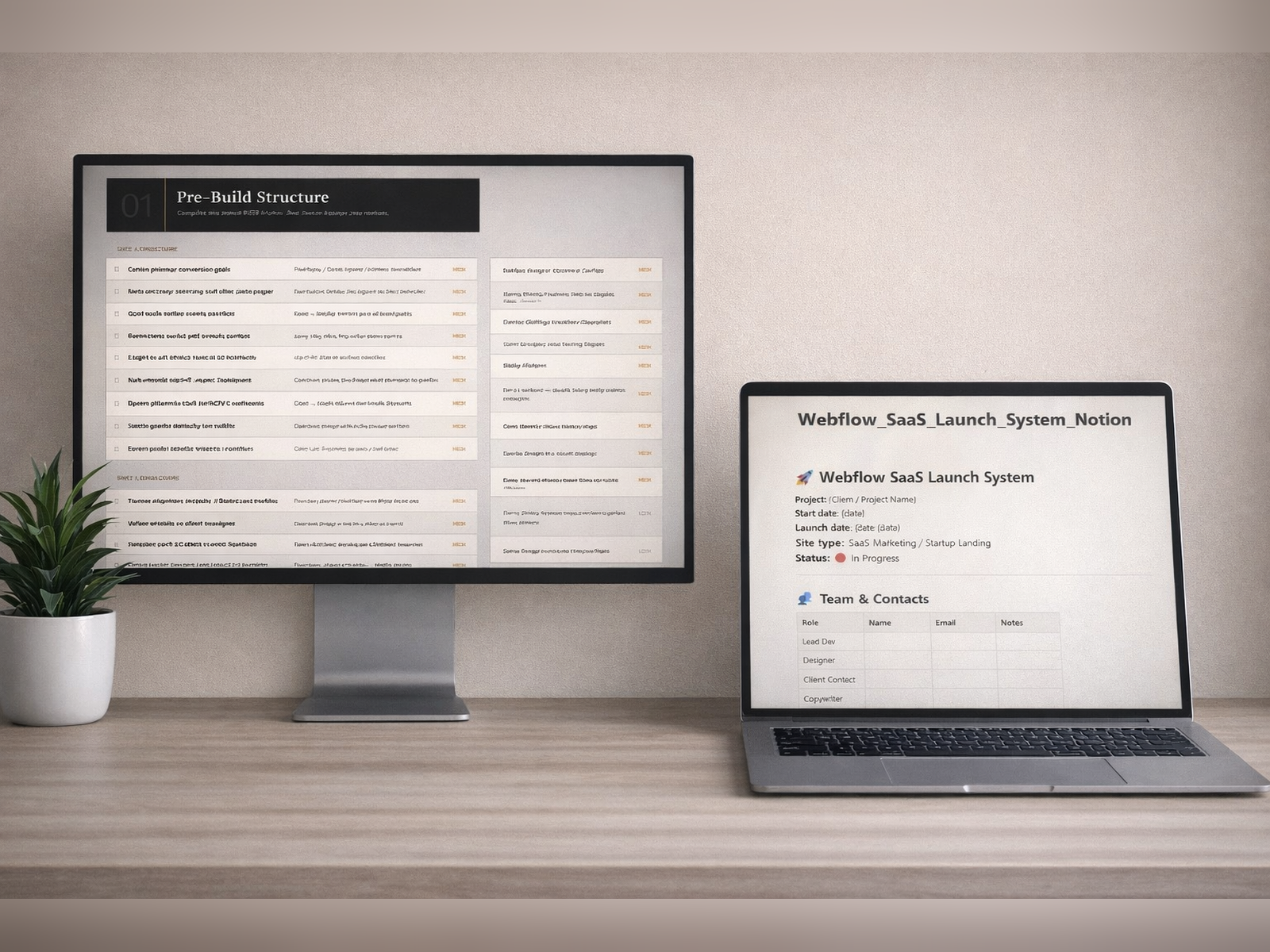
Complete this before opening Webflow. Zero ambiguity equals zero revisions.
The most expensive mistakes happen before a single element is placed. Agreeing on sitemap structure, CMS collections, URL architecture, analytics stack, and content requirements upfront eliminates entire categories of revision later.
Key items to resolve before building:
- Primary conversion goal defined (trial signup, demo request, newsletter)
- Full sitemap confirmed — maximum 8 top-level pages
- CMS collections planned (Blog, Changelog, Case Studies, Team, Integrations)
- URL structure agreed upon — flat vs. nested, decided before writing a single slug
- Analytics stack confirmed — GA4, Segment, Hotjar, Crisp
- Cookie and GDPR handling agreed upon
- Hero copy finalized — H1, subheadline, primary CTA, secondary CTA
- Social proof assets ready — logos, ratings, testimonials (minimum 3)
- Pricing table data confirmed — tiers, features per tier, monthly/annual toggle
Run this after the build is complete. Catch it before the client does.
Responsiveness is the most common failure point. Test at 1920, 1440, 1280, 1024, 768, 480, and 375px — not just desktop and mobile. Each breakpoint needs to be verified manually, not assumed.
Critical QA items:
- All 7 breakpoints tested in Webflow Designer and browser DevTools
- Navbar collapses correctly at tablet and mobile
- No horizontal scroll on any breakpoint
- Hero section scales without text overflow
- Images do not stretch or crop incorrectly
- Forms tested with a real email address — success state and error state both verified
- Scroll animations fire once, not on repeat
- Hover states work on touch devices or are explicitly disabled
- All third-party embeds functional (Calendly, Typeform, chat widgets)
This is where most agencies fail. Every item on this list affects rankings and crawlability.
A technically perfect site can be invisible to Google. Meta tags, Open Graph, structured data, sitemaps, and canonical tags are not optional — they are the foundation of organic discoverability.
SEO checklist items:
- Every page has a unique title tag — 50 to 60 characters, primary keyword first
- Every page has a unique meta description — 150 to 160 characters, include a CTA
- OG image uploaded at 1200 x 630px — branded, not the Webflow default
- robots.txt accessible and correct — verify at /robots.txt after publish
- XML sitemap generated and submitted to Google Search Console
- Canonical tags set (self-referencing) to prevent duplicate content penalties
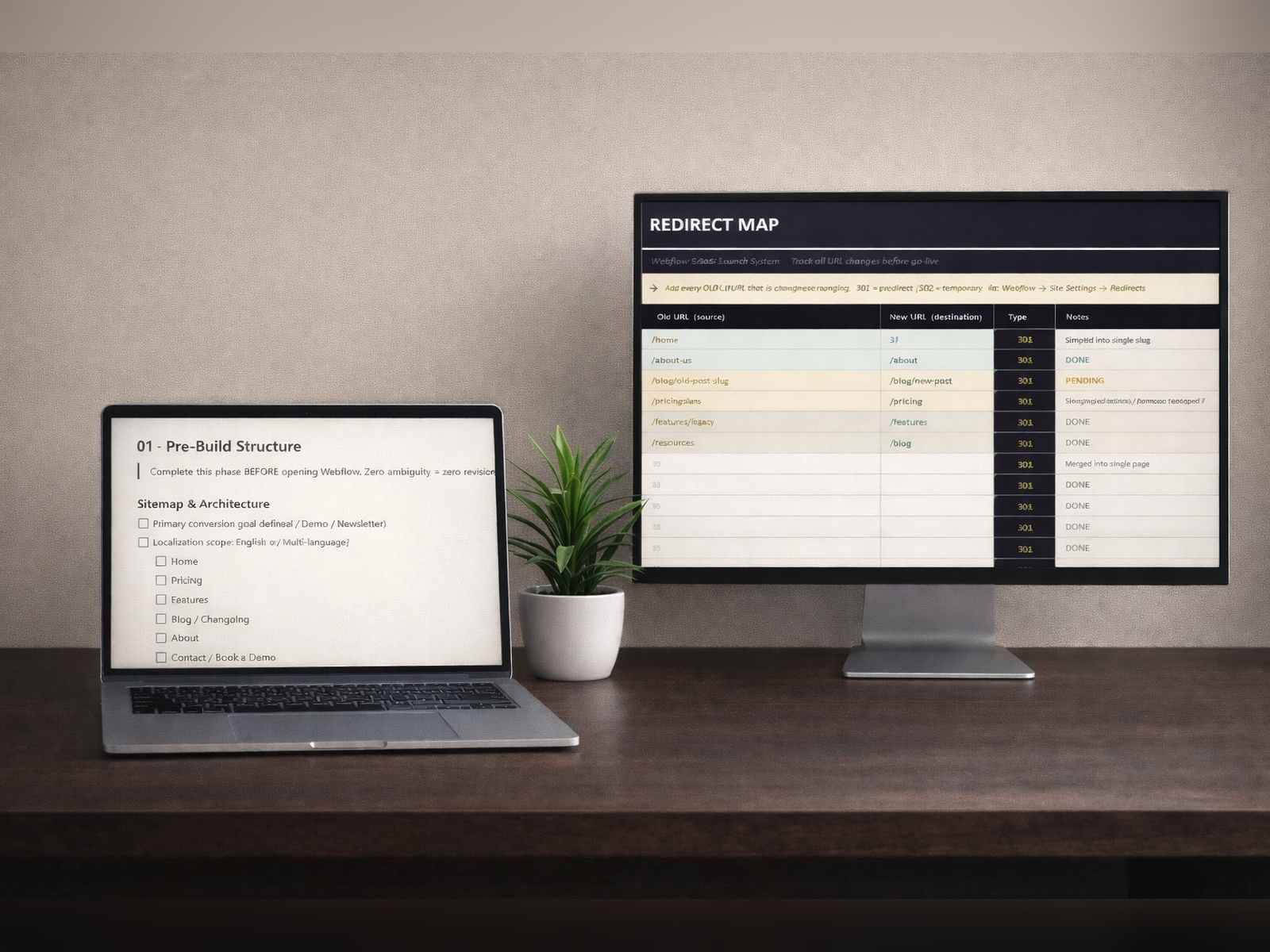
- 301 redirects mapped and implemented — every changed URL tracked before go-live
- Structured data added — Organization, SoftwareApplication, FAQPage schemas
- Google Search Console property verified
- GA4 installed and firing — confirmed in DebugView before launch
SaaS buyers are impatient. Every extra second of load time costs conversions.
Google's Core Web Vitals are a direct ranking factor. Performance is not a nice-to-have — it is an SEO requirement and a user experience requirement simultaneously.
Target scores: Mobile 75+, Desktop 90+, LCP under 2.5s, CLS under 0.1, INP under 200ms.
Performance checklist items:
- All images exported as WebP or AVIF — never upload uncompressed PNG or JPG
- Hero image under 200KB — use Squoosh or TinyPNG before uploading
- Lazy loading active on all non-hero images
- Unused Webflow interactions removed — leftover IX2 adds unnecessary JavaScript weight
- Custom fonts limited to two families
- font-display: swap applied to prevent invisible text during font load
- Third-party scripts audited — Tag Manager, Hotjar, Intercom each add payload
- Video backgrounds: compressed to under 5MB with a poster image set
- PageSpeed Mobile score verified on a real device, not only desktop emulation
This section protects your client legally and improves SEO. It takes 30 minutes when you have the checklist. It takes hours to fix after launch.
WCAG 2.1 AA is the baseline standard for web accessibility in most regions. Failing to meet it exposes clients to legal risk and actively hurts search performance — Google uses accessibility signals as quality indicators.
Accessibility checklist items:
- One H1 per page, heading hierarchy correct — no jumping from H1 to H3
- All images have descriptive alt text — decorative images use alt="" (empty, not absent)
- Color contrast ratio 4.5:1 minimum for body text — verified with WebAIM Contrast Checker
- Color contrast ratio 3:1 minimum for large text and UI components
- All interactive elements keyboard-accessible — tab through every page manually
- Focus states visible on all focusable elements — never suppress outline without replacement
- Form labels associated with inputs via for/id pairing
- Error messages textual, not color-only — screen readers cannot interpret color alone
- ARIA labels on icon-only elements — close buttons, hamburger menus, social icon links
- axe DevTools or WAVE scan completed with zero critical errors
How you hand off defines whether the client comes back. This phase is as important as the build itself.
A professional handoff signals competence. It also creates the conditions for a long-term client relationship — maintenance retainers, referrals, and repeat projects all start here.
Handoff checklist items:
- Webflow project transferred to client account — never keep a client site under your own account
- Client set as Editor, not Admin, unless explicitly agreed
- Loom CMS walkthrough recorded — 5 to 10 minutes covering blog editing, page edits, team section
- All third-party integration credentials documented with renewal dates
- Domain pointed and tested — both www and non-www resolve correctly
- Maintenance offer sent within 24 hours of launch while momentum is live
- Testimonial or LinkedIn recommendation requested within 48 hours of handoff
- 30-day post-launch check-in scheduled
Subject: Your Webflow site is live — here's everything you need
Hi [Client Name],
Your site is officially live at [URL]. Here's everything you have access to:
Webflow Editor: [invite link]
CMS walkthrough: [Loom link]
Credentials: [1Password / Bitwarden link]
Analytics: [GA4 link]
Three things to know:
Google indexes all pages within 3 to 5 days.
Sitemap has been submitted to Search Console.
Core Web Vitals data appears in Search Console within 28 days.
I'll check in at 30 days. Reply here if you need anything before then.
[Your Name]
This checklist is part of the Website Launch Checklist — a complete digital product that includes the full PDF framework, an Excel Redirect Map, a Pricing Calculator, and an import-ready Notion project hub.
If you run 2 or more Webflow projects per month, having a standardized system is the single highest-leverage investment you can make in your workflow.
One missed redirect on a real client costs more time than this system saves in a year.
.png)
.png)
.png)